
At an engineering consultancy of sixty people, anyone who needs to buy something sends an email to their team lead. The team lead forwards it to finance with "ok". Finance copies the details into a spreadsheet, asks for a cost code, waits, and places the order. The office manager keeps a second list of what has been ordered and not delivered. When a project lead asks where her survey equipment is, three people search their inboxes.
The managing partner decides the process should be automated and asks for quotes. Before the quotes arrive, it is worth being clear about what is being bought, because automating this process exactly as it stands would be a mistake.
What process automation is
Process automation means that software carries a piece of work from one step to the next, in place of people passing it along by hand. The request is entered once. It goes to the right person. It waits where it is supposed to wait. At any moment anyone involved can see where it is.
Notice what that does not say. It does not say the work is done without people. In most business processes the decisions stay with people: whether to approve, which supplier, what to do about an exception. What is automated is the carrying, the reminding, the copying and the record of what happened. Those are the parts nobody was hired to do.
A well-known warning on the subject is in the title of an article Michael Hammer wrote for Harvard Business Review in 1990: "Don't Automate, Obliterate". Put less dramatically: a process that is automated as it stands keeps everything that was wrong with it, and does it faster.
Is this process worth automating?
Not every process is. Four questions separate the candidates from the rest, and none needs technical knowledge.
- Does it repeat? A process that runs forty times a month repays the work. One that runs twice a year rarely does.
- Is it the same each time? Most runs should follow the same steps. If every case is a special case, there is nothing yet to automate. There is a process to agree first.
- Does it hurt? Lost requests, slow approvals, details typed more than once, people asking for a status that nobody can give.
- Does someone own it? One person must be able to say how it should work. Without an owner, the software will encode an argument.
Four answers of yes make a candidate. A no to the second or fourth is not a reason to give up. It is the first piece of work, and it involves no software at all.
What to settle before any software is built
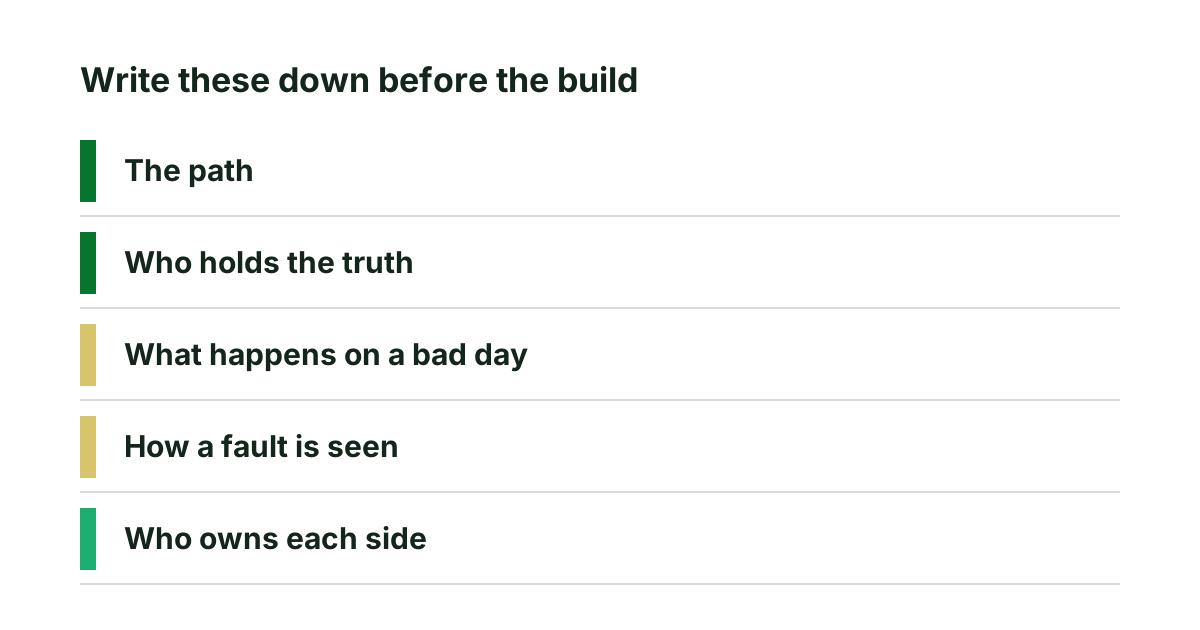
The quality of an automation is decided on paper. Five things should be written down before anyone proposes a screen.
- The steps as they are. Every step, who does it, what they need to do it. Found by following real cases through, not by asking people to describe the process from memory. Rules that work are invisible to the people who rely on them, a point made at more length in replacing a legacy system without losing what it does.
- The exceptions. The urgent request, the approver on leave, the order over a certain amount. These are where hand-run processes are flexible and where software built without them fails in its first week.
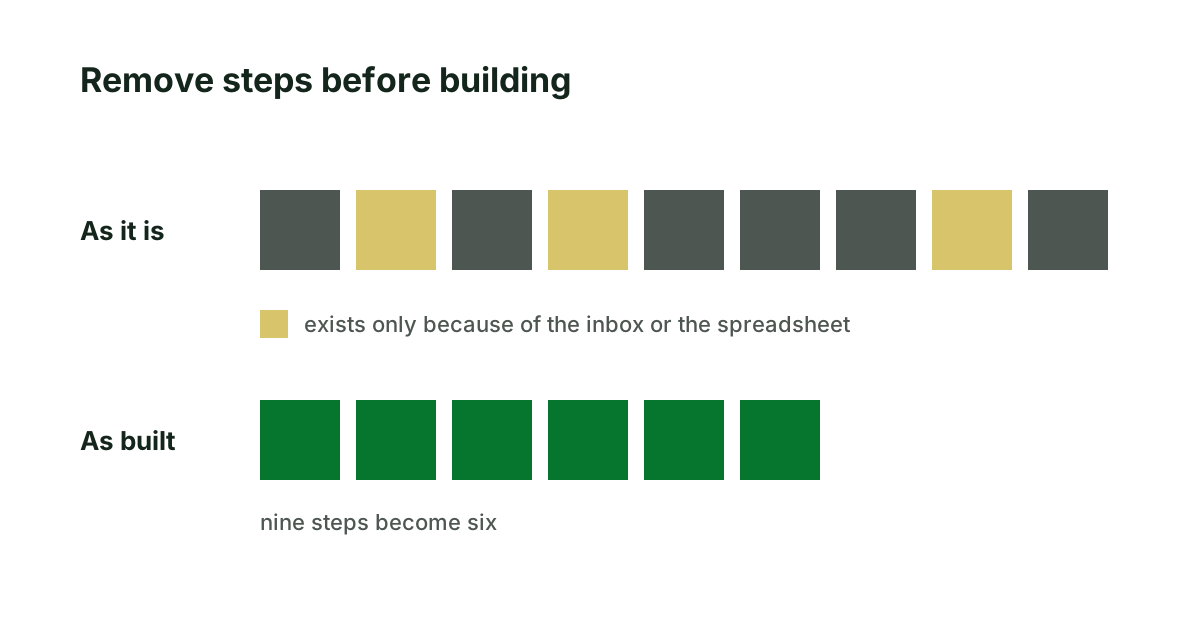
- What can go. Steps that exist only because of the spreadsheet or the inbox: the second list, the forwarded email, the weekly chase. They are removed, not rebuilt.
- Who sees what. Each person who takes part needs a view: what is waiting for me, what I asked for and where it is.
- The figure today. How long a request takes from start to finish, and how many are open. Taken before the build, so that there is something to compare with afterwards.
Two neighbouring problems are easy to mistake for this one. If the trouble is that two systems hold the same data and someone keeps them in step by hand, that is an integration, described in API integration, explained for the person who signs it off. And if a system for the process already exists and people avoid it because it is confusing, the fault may lie in its screens and not in the process, which is the subject of user experience optimization: find the fault first.
Seventy purchase requests a month at the consultancy
Go back to the consultancy, an invented one, and its purchase requests. The four questions first. It repeats: about seventy requests a month. It is mostly the same. It hurts: the survey equipment took nineteen days, eleven of them waiting in inboxes. It has an owner, the finance manager.
Then the paper. Following twenty real requests through shows nine steps. Three exist only because of the tools: the team lead's forwarded email, the copying into the spreadsheet, and the office manager's second list. Two exceptions come up that nobody had mentioned: anything over a set amount needs a partner as well as the team lead, and a request against a client project needs the project lead to confirm that the client will be charged.
The process that will be built has six steps. A request is entered once, with its cost code, by the person who needs the item. It goes to the team lead, and to a partner when the amount requires it. Finance orders. The requester marks it delivered. Everyone sees their own list. The figure today is written down: a median of eight working days from request to order, and thirty-one requests open.
The managing partner can now ask for quotes against a written scope. The quotes will be comparable, and the question after launch has a figure to be answered with.
Choosing the process to automate first
- Pick one process, the one people complain about most, and put the four questions to it.
- Follow ten real cases from start to finish and write down every step and every wait.
- Mark the steps that exist only because of the inbox or the spreadsheet.
- Note today's figures before changing anything.
If a ready-made product fits the process you have written down, use it. If none does, or the process is central enough to be worth owning, it can be built as software around how you work. That is our business process automation work: one process at a time, starting on paper, with a written scope you approve before the build and a comparison against the baseline afterwards.
Sources
- Michael Hammer, Reengineering Work: Don't Automate, Obliterate, Harvard Business Review, July–August 1990.
Keep reading
API integration, explained for the person who signs it off
What an API integration is, why sending the data is the easy half, and five things to have in writing before two systems are connected.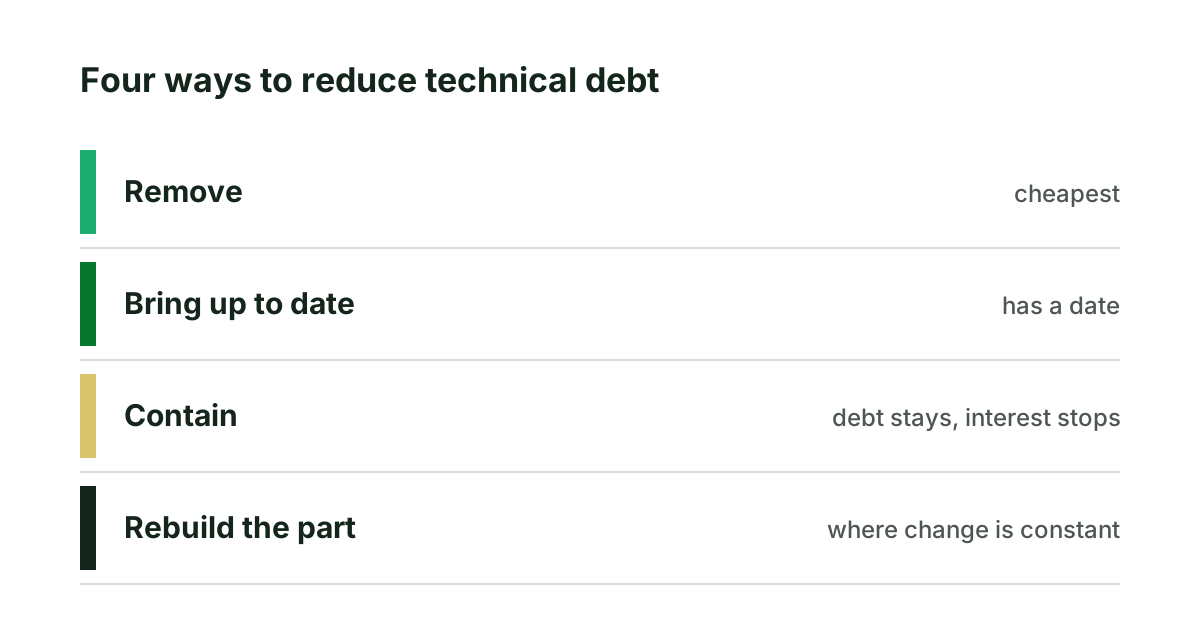
Reducing technical debt: what the work consists of
Reducing technical debt is one of four kinds of work: remove, update, contain or rebuild. What each costs, the order to do them in, and the proof to ask for.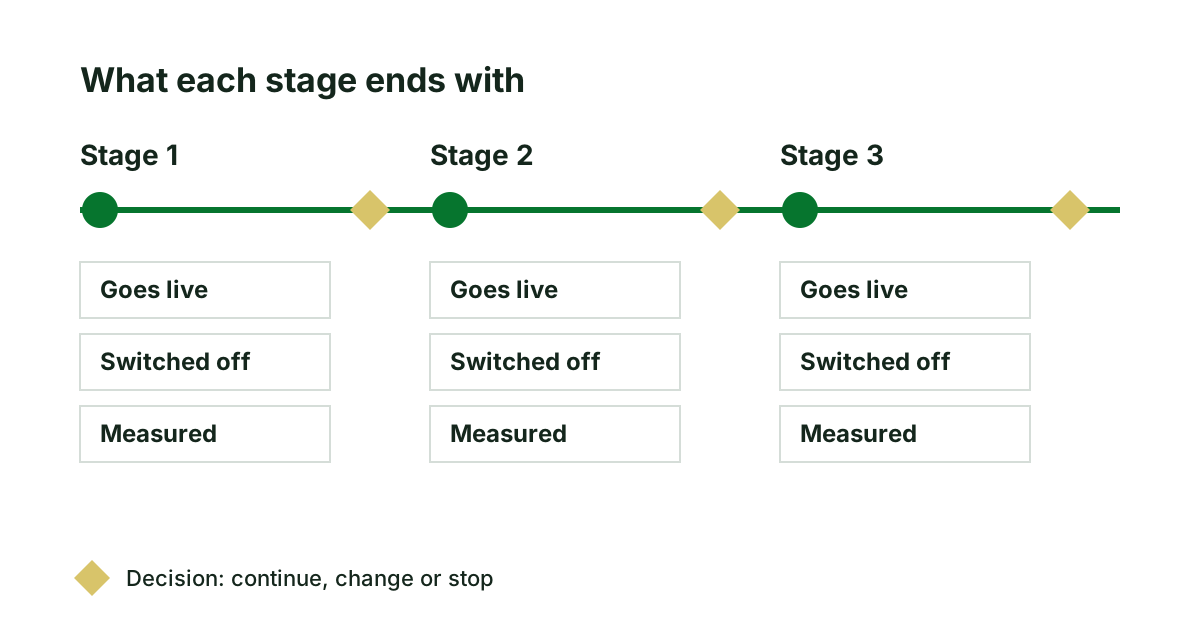
An application modernization roadmap you can hold a team to
A useful modernization roadmap says what goes live and what is measured after each stage. Five things every stage must state, and how to order them.